# Firebeetle 2 Board ESP32-C6
A project to control a Firebeetle 2 Board ESP32-C6 in Rust.
## History
On September 28, 2025, [DFRobot](https://www.dfrobot.com/?srsltid=AfmBOoqllNjgG_zJgZkg9oiuPBRGeVRlktwVre_8koLvTOnrOWP0Rfza) came to [Noisebridge](https://www.noisebridge.net/)'s [afterparty](https://luma.com/nbmrk6qb) for [Maker Faire Bay Area](https://bayarea.makerfaire.com/) 2025.
They very generously donated 90 pcs [esp32 C6](https://wiki.dfrobot.com/SKU_DFR1075_FireBeetle_2_Board_ESP32_C6)/ several [esp32 C5](https://wiki.dfrobot.com/SKU_DFR1222_Firebeetle_2_ESP32_C5_Development_Board)/ several [4 Channel USB to Serial Converter (RS485 / RS232 / TTL)](https://www.dfrobot.com/product-2879.html)
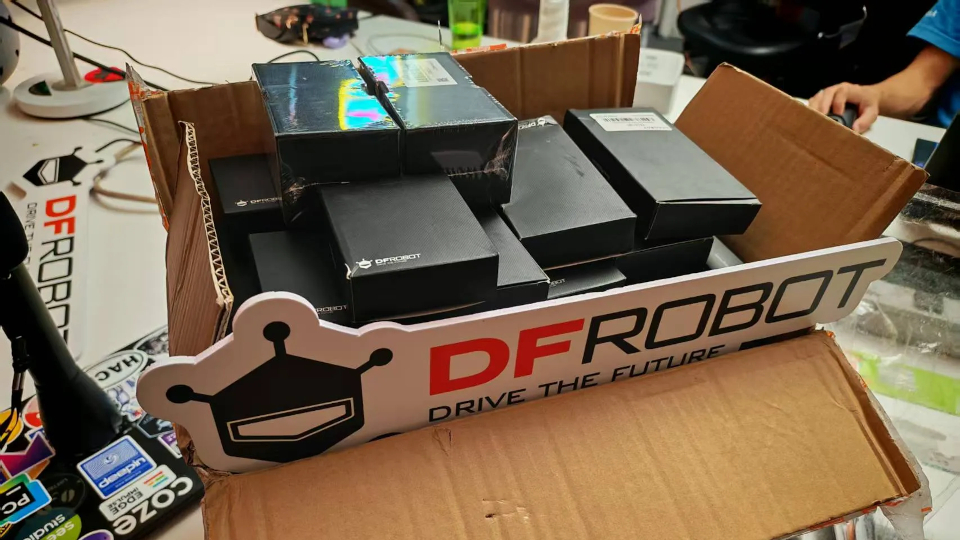
Thank you very much to DFRobot <3
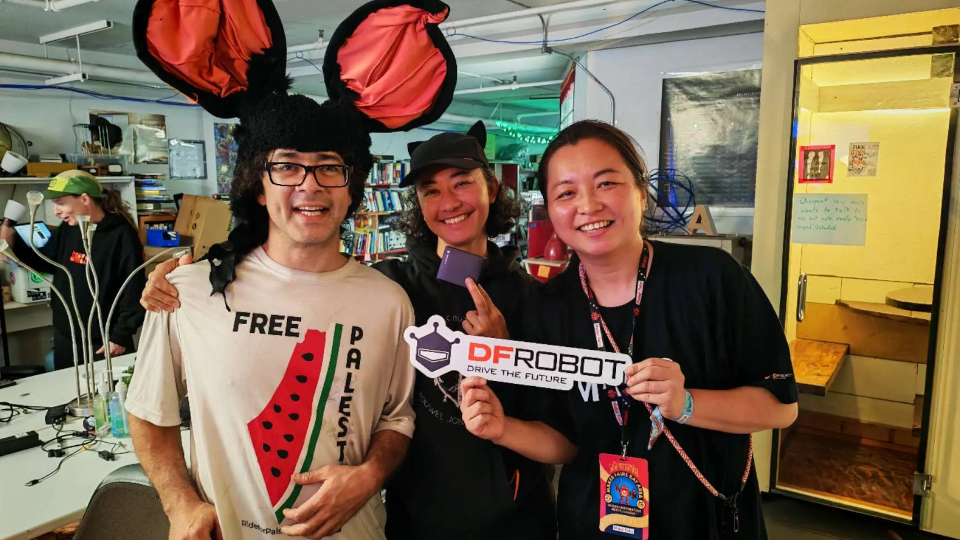
On September 30, 2025, a few Noisebridgers got together and started to hack on them. [Jet](https://jetpham.com) brought up programming them with [embedded rust](https://docs.rust-embedded.org/book/). This repo is our attempt to work on them together. To commemorate we took this picture:
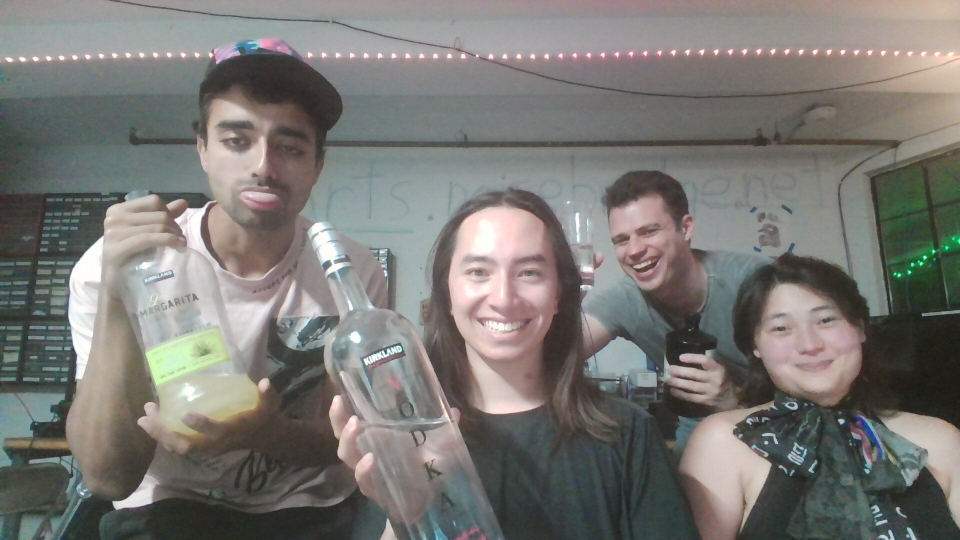
> We used Kirkland Vodka to clean flux after soldering header pins
## Setup
This project requires Nix for development. Follow these steps to set up the development environment:
1. Install Nix if you haven't already:
- Follow the installation instructions at [nixos.org](https://nixos.org/download.html)
2. Enter the development environment:
```bash
nix develop
```
## Running
To run the project:
```bash
sudo cargo run --release
```
**Note:** The `sudo` command is required for accessing the USB serial port on most Linux systems.